Professional Image Editing Made Simple
Remove backgrounds, upscale to 4K, and make precise AI edits — no Photoshop skills needed. Professional results for product photos and social content.
Edit images like a pro with AI-powered tools. Remove backgrounds, upscale to 4K, brush edit, and more—all without Photoshop skills.
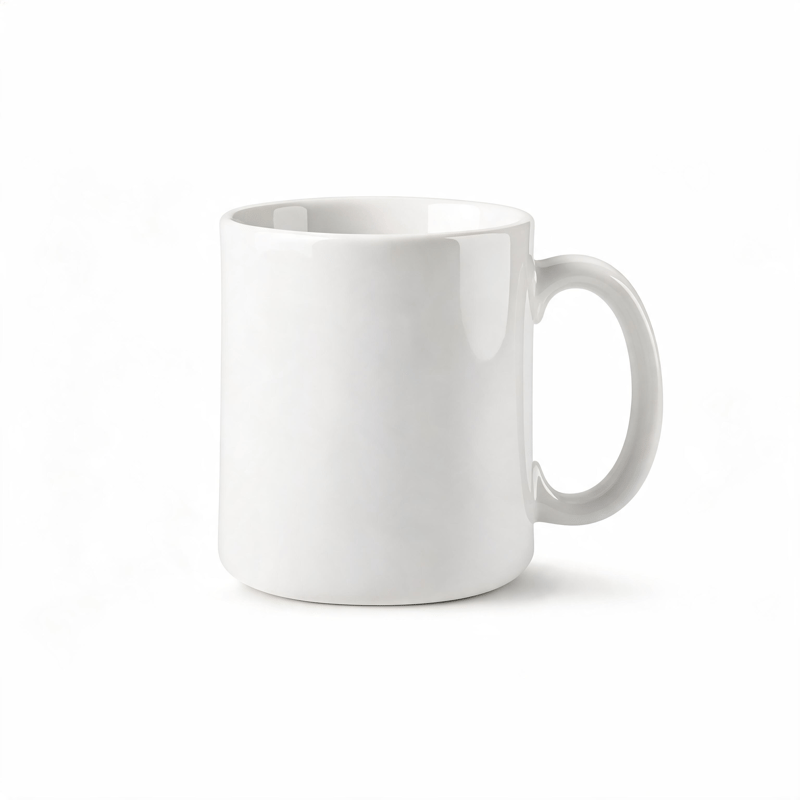
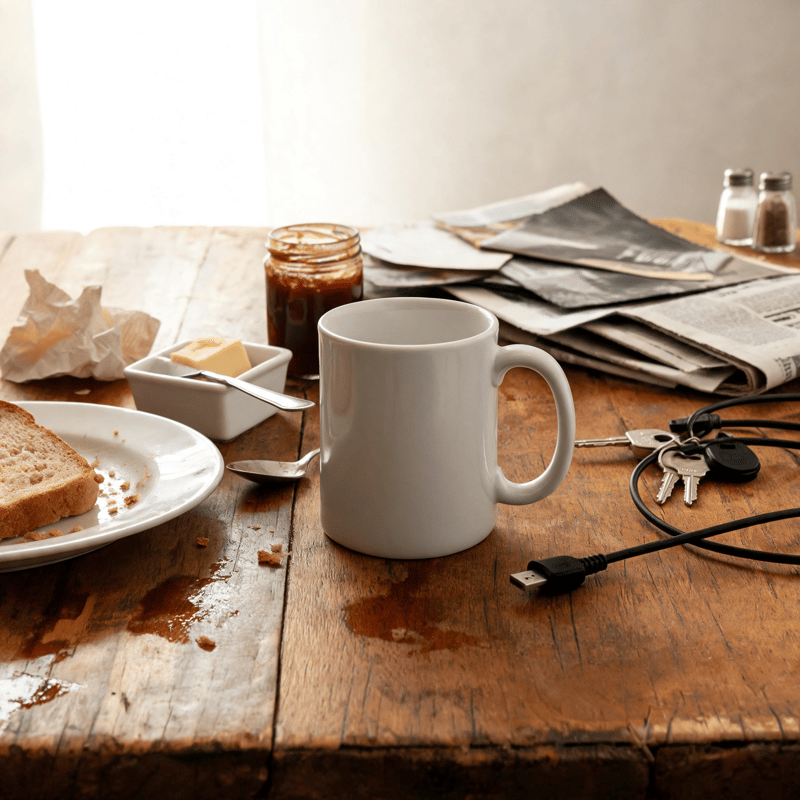
Drag to compare — professional editing in seconds
What is AI image editing?
AI image editing performs retouching tasks from a plain-language instruction instead of manual selection and masking — removing a background, upscaling, or changing a specific element while leaving the rest of the frame intact. The edits that used to need Photoshop skill are described rather than executed.
It is most useful for the repetitive half of production: the same background removal across a catalogue, or an upscale before a print run. A single hero retouch with a specific creative intent is still faster in a manual editor.
- Background removal with clean edges on hair and fabric
- Upscaling to 4K for print and large-format placements
- Targeted edits that leave the rest of the image untouched
- No Photoshop or masking experience required
How It Works
Edit images in three simple steps
Upload Image
Upload any image you want to edit or enhance.
Select Tools
Choose from background removal, upscaling, brush edits, and more.
AI Enhances
AI applies professional edits instantly with perfect results.
Powerful Editing Tools
Everything you need for professional image editing
Background Removal
Remove backgrounds with pixel-perfect precision instantly.
4K Upscaling
Enhance image resolution up to 4K with AI upscaling.
Brush Editing
Paint to edit, remove objects, or change specific areas.
Color Adjustments
Professional color grading and adjustments with one click.
See the Tools in Action
Drag the slider on each example to reveal the AI edit
Background Removal
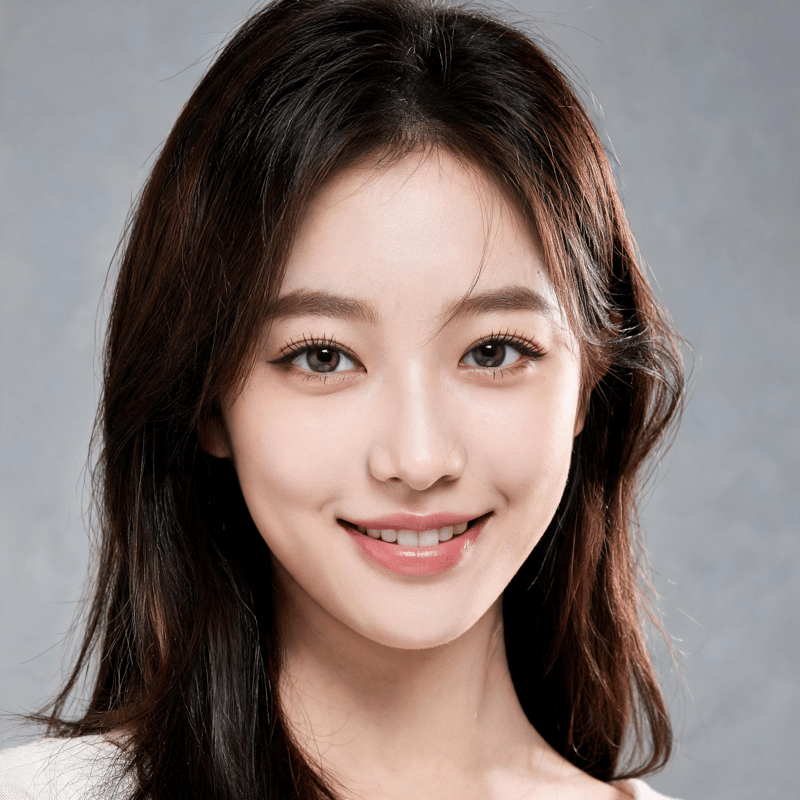
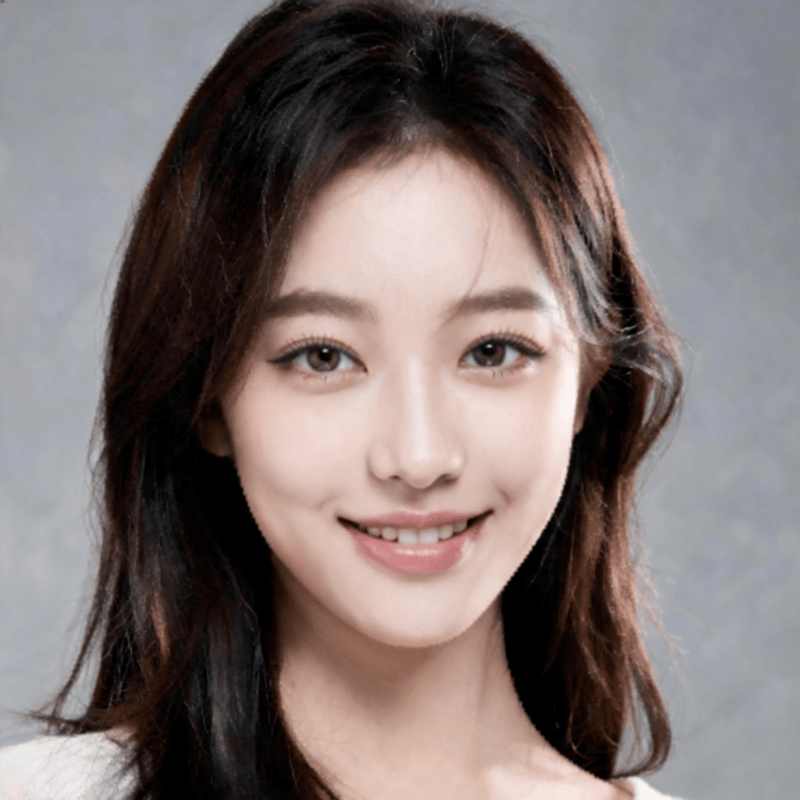
4K Upscaling


Object Removal
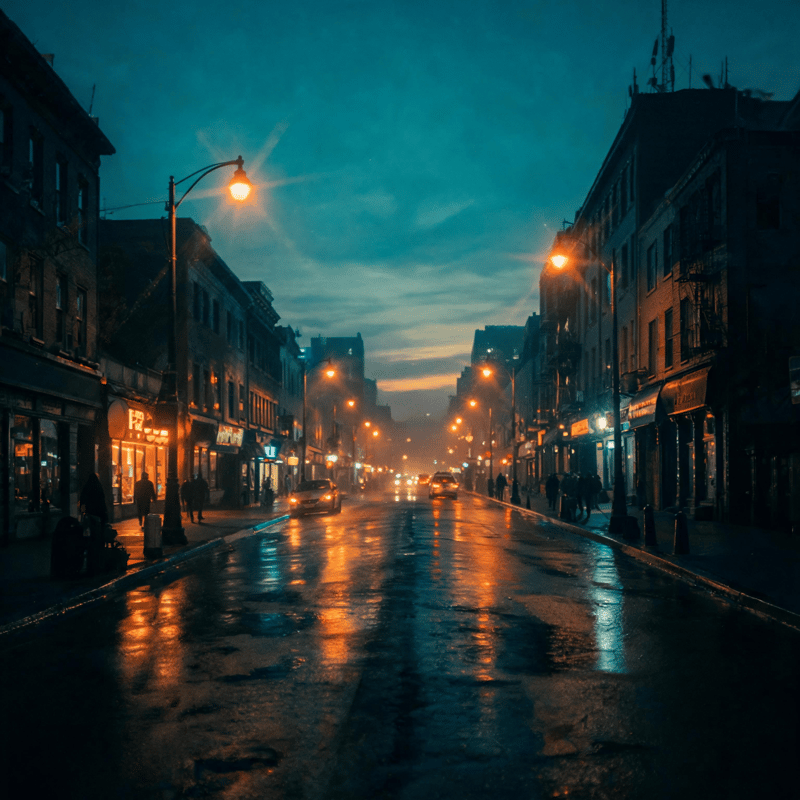
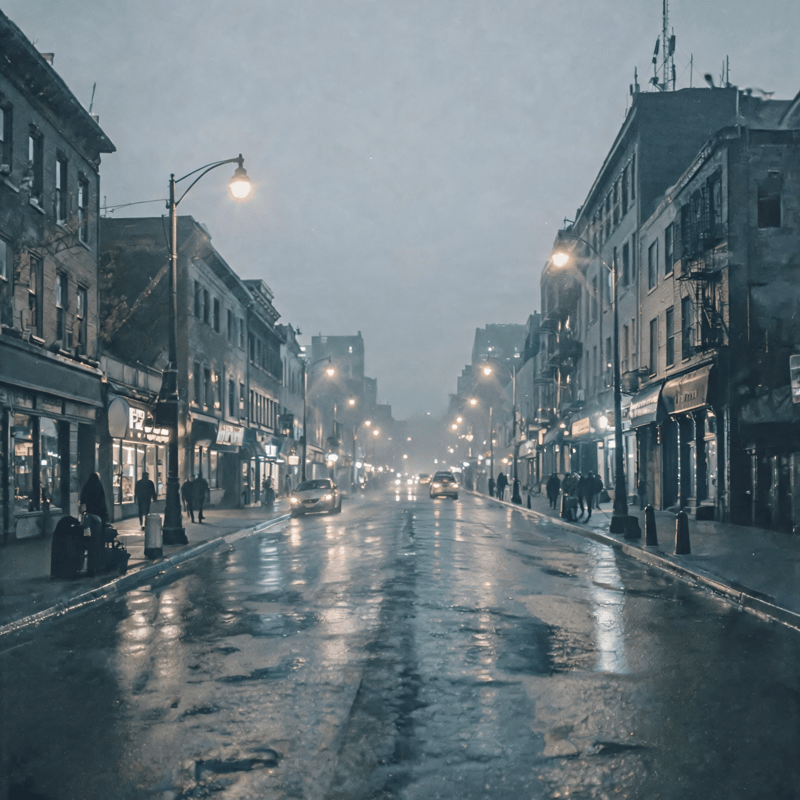
Color Grading
Perfect for Every Need
Why AI Image Editing?
Trusted by Professionals
"Image editing tools are incredible. I can remove backgrounds and upscale images in seconds. Saves me hours every week."
"The brush editing feature is a game-changer. I can remove unwanted objects or fix imperfections effortlessly."
"4K upscaling is amazing. We can now use old product photos in high-resolution marketing materials."
AI Image Editing: Background Removal, 4K Upscaling, and Inpainting Explained
AI image editing replaces hours of manual masking and retouching with tools that understand what is in your photo. With Pixla AI you can cut out backgrounds, sharpen low-resolution shots to 4K, and rewrite any part of an image just by describing what you want, no Photoshop experience required.
One-Click AI Background Removal
Background removal is the most requested editing task for ecommerce and social content, and it is also the most tedious to do by hand. Pixla AI detects the subject automatically, traces clean edges around hair, fingers, and product contours, and outputs a transparent or replaced background in a single click.
The result is a consistent catalog look across an entire product line. Instead of paying for studio time or wrestling with the pen tool, you upload, click, and download, ready for Amazon white backgrounds, Shopify listings, or lifestyle composites.
Upscale Images to 4K Without Losing Detail
Older photos, screenshots, and compressed exports often look soft when stretched across modern displays or printed at scale. Pixla AI upscaling reconstructs fine detail, edges, textures, and small text, while raising resolution up to 4K, so legacy assets stay usable.
- Revive low-resolution product shots for high-res marketing and print
- Sharpen portraits and lifestyle imagery without visible artifacts
- Prepare social thumbnails and banners that stay crisp on retina screens
AI Inpainting and Brush Editing
Inpainting lets you paint over any region and tell Pixla AI what should be there. Remove a distracting object, erase a watermark, clean up a blemish, or generate something entirely new in the masked area, the AI blends the change into the surrounding lighting and texture so edits look native.
This is the fastest way to fix a near-perfect photo. Rather than reshooting, you brush the problem area, type a short instruction, and Pixla AI rebuilds just that part of the image while leaving the rest untouched.
Common Questions About AI Photo Editing
Users often ask whether AI edits look obvious, with modern models, color correction, fill, and removal blend seamlessly when the source is reasonable quality. Another frequent question is licensing: images you edit on Pixla AI can be used commercially, including ecommerce listings and paid ads. People also ask if they need design skills, and the honest answer is no, the tools are built so anyone can get professional output.
Edit Smarter with Pixla AI
Whether you are cleaning up a product catalog, upscaling an archive, or polishing creatives for a campaign, Pixla AI compresses a full editing workflow into a few clicks. Try background removal, 4K upscaling, and inpainting today and see how much faster professional image editing can be.
Frequently asked questions
Explore related tools
More ways to create with Pixla AI