AI Face Swap Tool for Images and Videos
Swap any face onto photos or videos in one click. Pixla AI preserves lighting, skin tone, and expressions — ideal for editorials, ads, and content at scale.
Seamlessly swap faces in your images and videos using advanced AI technology. Maintain natural expressions, perfect lighting, and create professional-quality content in seconds.
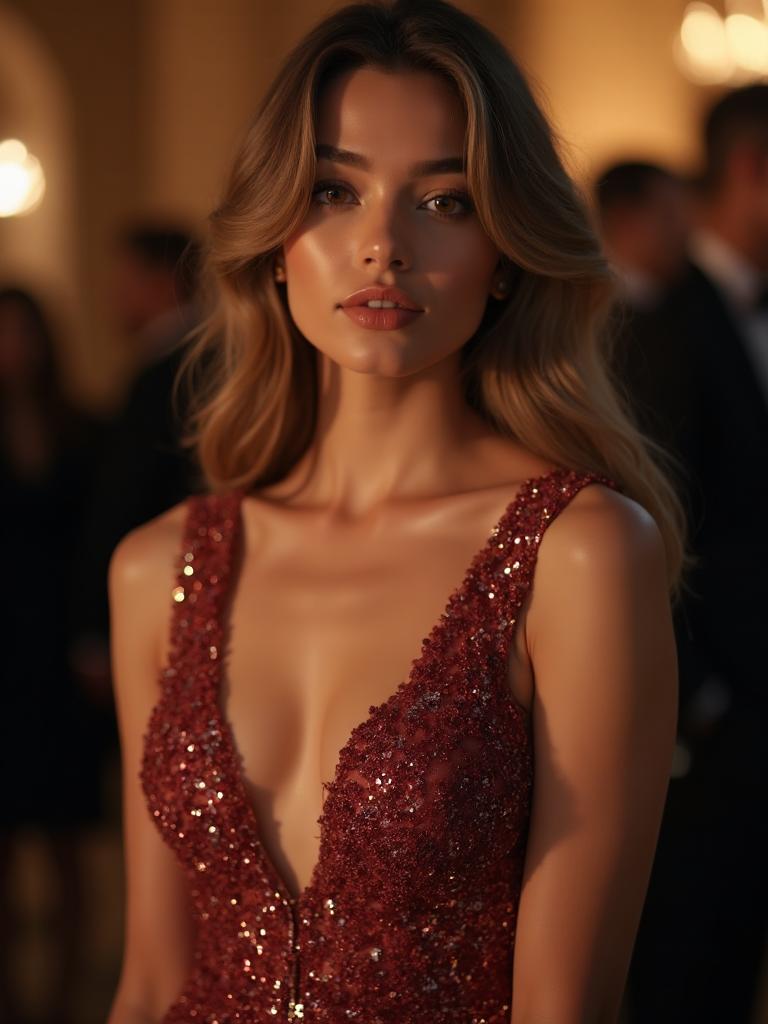
Drag to compare the face swap (image)
Swaps track the face across every frame
What is AI Face Swap?
AI face swap technology uses advanced machine learning algorithms to replace one face with another in images and videos. Unlike simple photo editing, AI face swap maintains natural expressions, matches lighting conditions, and in videos, tracks and replaces the face across every frame seamlessly. Pixla AI's face swap tool integrates directly with your AI characters, making it easy to place your virtual influencers into any video content while maintaining perfect character consistency.
How It Works
Get started in minutes with our simple workflow
Upload Your Content
Upload the image or video where you want to replace the face. Supports all common formats.
Select Face Source
Choose the face you want to use—either from your AI characters or upload a reference image.
Generate & Download
Our AI seamlessly swaps the face while maintaining natural expressions and lighting. Download your result.
Use Cases
Perfect for marketers, creators, and businesses
Marketing Videos
Swap faces in promotional videos to feature your AI characters or brand ambassadors.
Social Media Content
Create engaging social content by placing your AI persona into trending video formats.
Product Demonstrations
Feature consistent AI presenters in all your product demo and tutorial videos.
Image Enhancement
Perfect headshots and portraits by swapping in better expressions or angles.
Content Repurposing
Transform existing video content by swapping in new AI characters or personas.
Rapid Prototyping
Quickly test different personas in your content before finalizing campaigns.
Pixla AI vs Other Face Swap Tools
See why Pixla AI is the better choice
Trusted by Creators & Agencies
See what our users are saying about Pixla AI
"Saved 70% on creator costs. We now produce 100+ ad creatives per week with consistent AI influencers instead of hiring dozens of models."
Sarah Chen
UGC Agency Owner
"Generated 100+ product ads in one week. Our TikTok ROAS increased by 3x after switching to AI-generated UGC content."
Marcus Johnson
E-commerce Brand Manager
"Scaled TikTok creatives without hiring models. I can now test 50 different ad variations daily and optimize for the best performers."
Emily Rodriguez
Content Creator
"The face swap feature is incredible. We repurpose our best-performing videos with new AI faces for different demographics."
David Kim
Marketing Director
"Character consistency is a game-changer. Our AI influencer has 50K followers on Instagram and our audience thinks she's real."
Jessica Torres
Social Media Manager
"Batch face swap saved us 80% production time. We can now create localized ad content for 10 different markets simultaneously."
Alex Patel
Performance Marketer
AI Face Swap Tool
The Complete Guide to AI Face Swapping for Images and Video
Face swapping used to demand frame-by-frame masking and a VFX budget. Pixla AI collapses that work into a single upload, blending any source face onto a target photo or clip while preserving lighting, skin tone, and micro-expressions across every frame.
How Modern AI Face Swap Actually Works
Traditional photo editing replaces pixels; AI face swap reconstructs a face. Pixla AI maps the geometry of your source face onto the pose, head angle, and expression of the target, then re-renders skin texture so the result matches the surrounding lighting. In video, the model tracks facial landmarks across thousands of frames so the swapped face blinks, smiles, and turns naturally instead of flickering.
Because the system understands depth and lighting rather than simply pasting a cutout, you avoid the telltale seams, color mismatches, and halo edges that give away amateur swaps. The output keeps the original footage intact everywhere except the face itself.
Who Uses Face Swap and Why
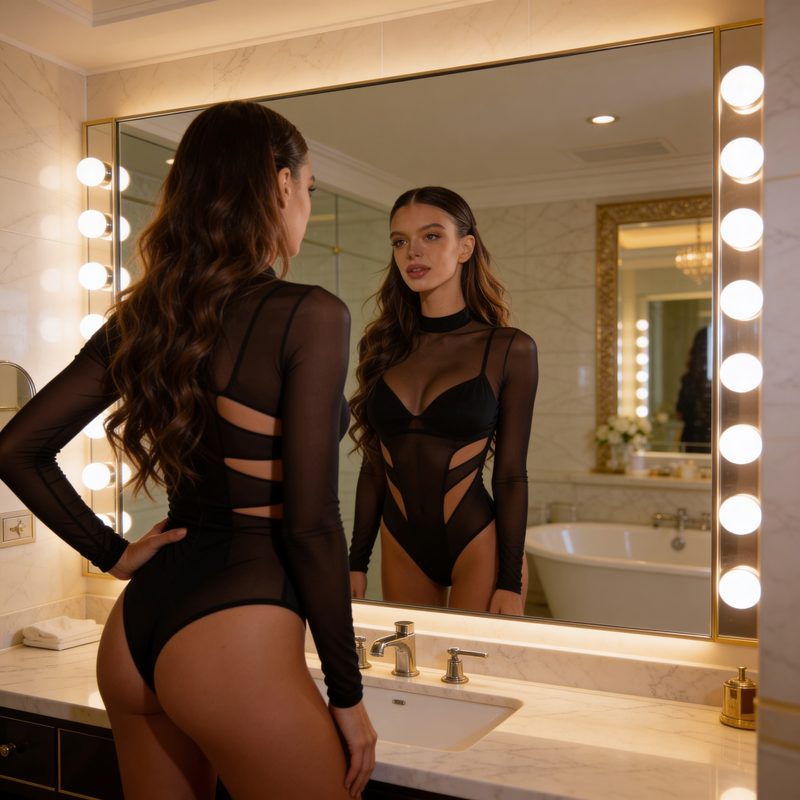
The fastest-growing use case is content production at scale. Brands swap a consistent AI spokesperson into dozens of clips so every video feels like it came from the same studio shoot. Fashion and e-commerce teams refresh editorial imagery without re-booking models, and social creators drop their persona into trending formats in minutes.
- Marketing teams maintaining a single recognizable face across an entire campaign
- Agencies localizing creative for different markets without new shoots
- Creators repurposing existing footage with a fresh on-brand presenter
- Photographers correcting expressions or angles in client portraits
Getting the Cleanest Results
Quality in equals quality out. Pick a source face shot in even, front-facing light at high resolution, and choose target footage where the face stays reasonably visible and well lit. Pixla AI handles motion, partial turns, and varied lighting well, but extreme angles or heavy motion blur in the source image are the most common causes of a soft result.
For video, upload the highest-resolution file you have. The model preserves HD detail, so starting from a compressed clip limits how sharp the final swap can be.
Doing It Responsibly
Face swap is a creative and commercial tool, not a license to impersonate. Pixla AI is built for legitimate use: featuring your own AI characters, working with talent who have consented, and producing entertainment or marketing content you have the rights to. Always disclose synthetic media where your platform or local regulations require it, and never use a real person's likeness without permission.
Start Swapping Faces in Seconds
You do not need editing experience or a render farm to produce professional swaps. Upload your image or video, choose a face, and let Pixla AI handle the blending, tracking, and color matching. Try the face swap tool free, and when you need volume, batch mode applies the same face across up to 50 files at once.
Frequently Asked Questions
What is AI face swap?▼
AI face swap is a technology that uses artificial intelligence to replace one person's face with another in images or videos. The AI analyzes both faces and seamlessly blends them while maintaining natural expressions, lighting, and movement in videos.
Can I swap faces in videos?▼
Yes, Pixla AI supports face swapping in both images and videos. Our advanced AI maintains consistency across all frames, ensuring smooth and natural-looking results throughout the entire video.
How is this different from deepfakes?▼
Pixla AI is designed for legitimate content creation purposes. We encourage ethical use for marketing, creative projects, and personal entertainment. Our tool is meant to help creators produce content featuring their own AI characters or with proper consent.
What video formats are supported?▼
We support all common video formats including MP4, MOV, and WebM. For best results, we recommend using high-quality source videos with clear, well-lit faces.
Can I use face swap with my AI characters?▼
Absolutely! One of the most powerful features of Pixla AI is the ability to seamlessly swap your AI character's face into any video content, maintaining perfect character consistency across all your marketing materials.
Ready to Get Started?
Join thousands of creators using Pixla AI to produce stunning content at scale.
No credit card required • Free credits to start